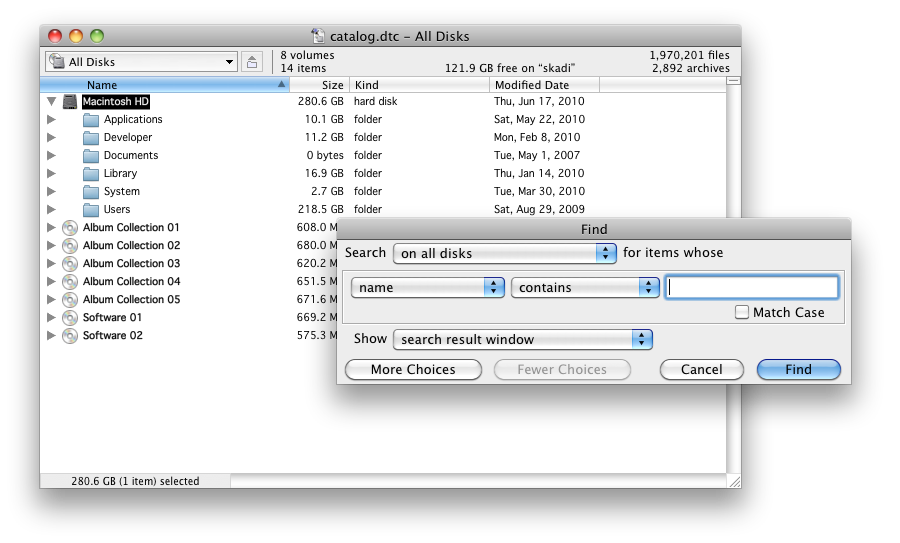
Use the catalog browsing window to view the contents of scanned volumes. Drag items to copy them or drag volumes to the window to scan them. If you can use the Finder, you can use DiskTracker!
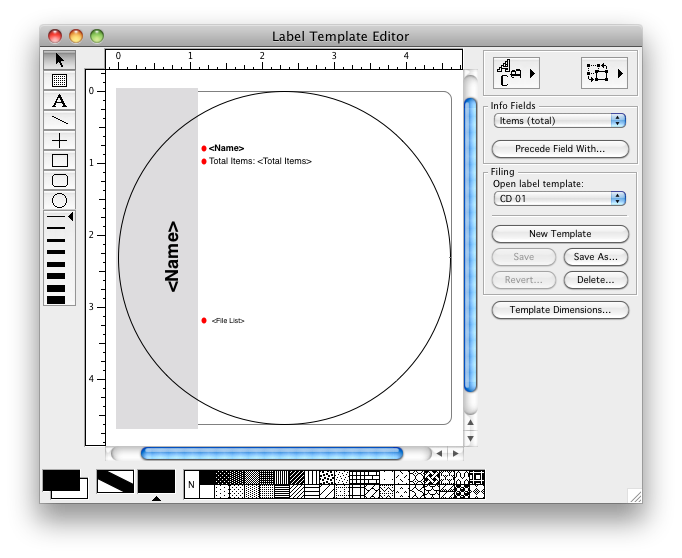
Disk Label Template Editor
Use the disk label template editor to create and edit disk label templates. The labels will be printed with the disk information filled in. So simple it almost makes disk labeling fun!